Daily operations that do not live in a group chat
Assign tasks with photos, deadlines and checklists. Repeat them on a schedule, score inspections against standards and raise requests when things break. Everyone sees what is theirs; you see what is done.
No credit card required. Free plan for up to 10 people.
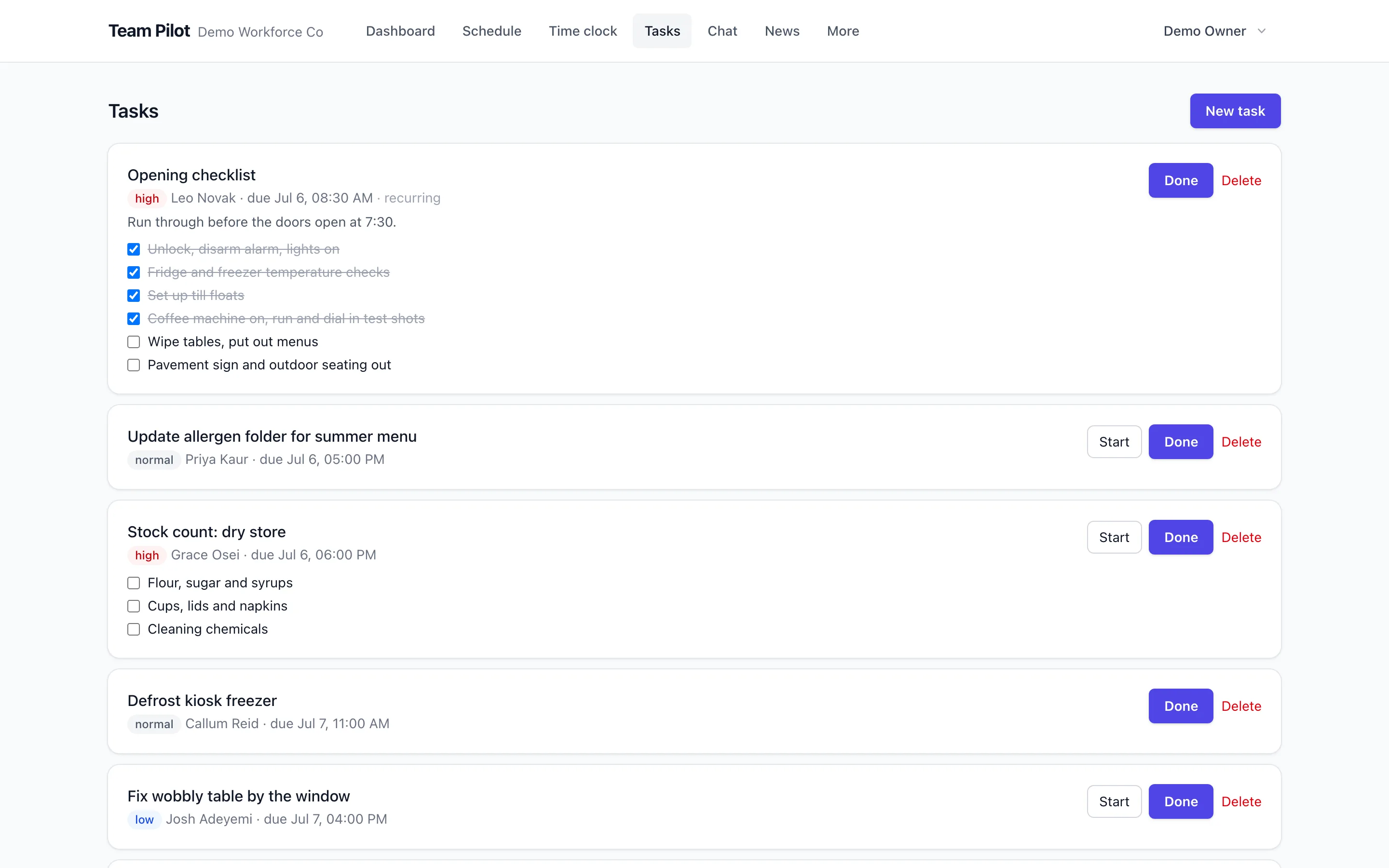
Tasks with proof, not promises
Every task carries a description, a due time, an assignee and optional checklist steps and photo requirements. Completion can require evidence, so "done" means done.
Recurring checklists run themselves
Opening, closing, cleaning and safety checks repeat on the schedule you set and assign themselves to whoever is on shift. Missed checks are visible the same day, not at the end of the month.
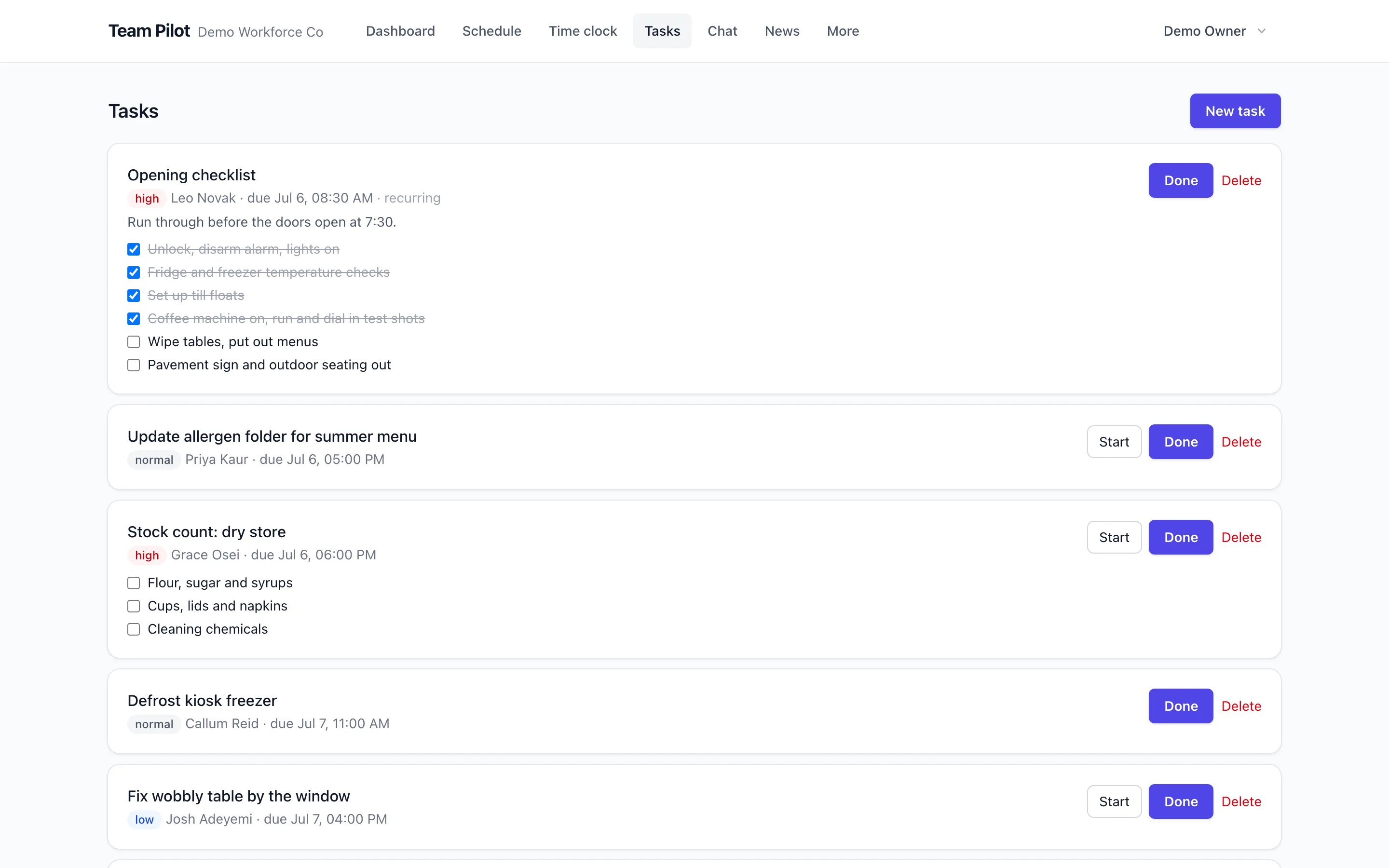
Inspections with scores and standards
Build inspection forms with weighted scoring, pass thresholds and required photos. Results trend over time per site, so quality is a number you can manage rather than a feeling.
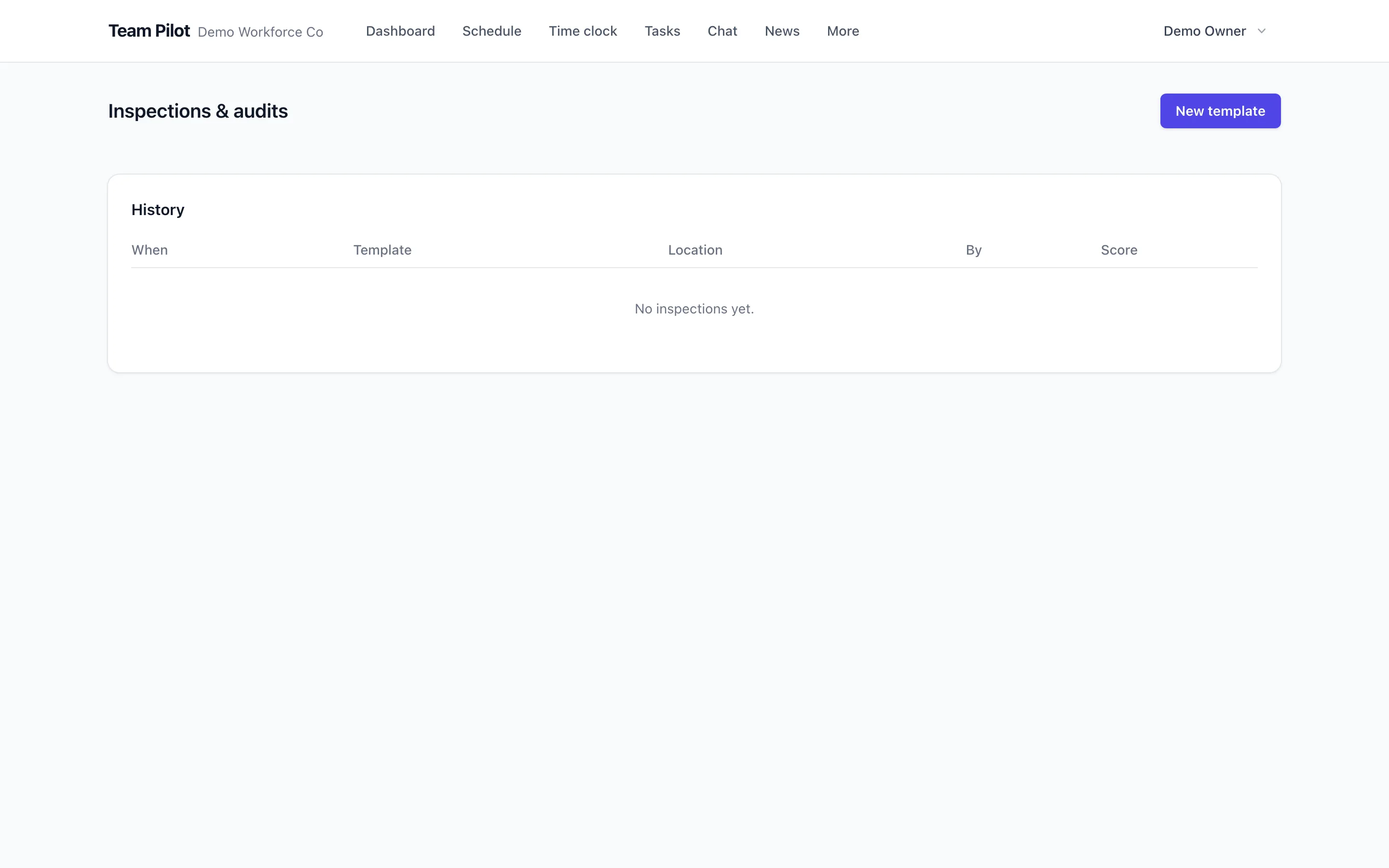
Requests from fault to fixed
Anyone can raise a request with photos; it gets prioritised, assigned and tracked through to completion. Maintenance stops living in a WhatsApp thread nobody can search.
SOPs where the work happens
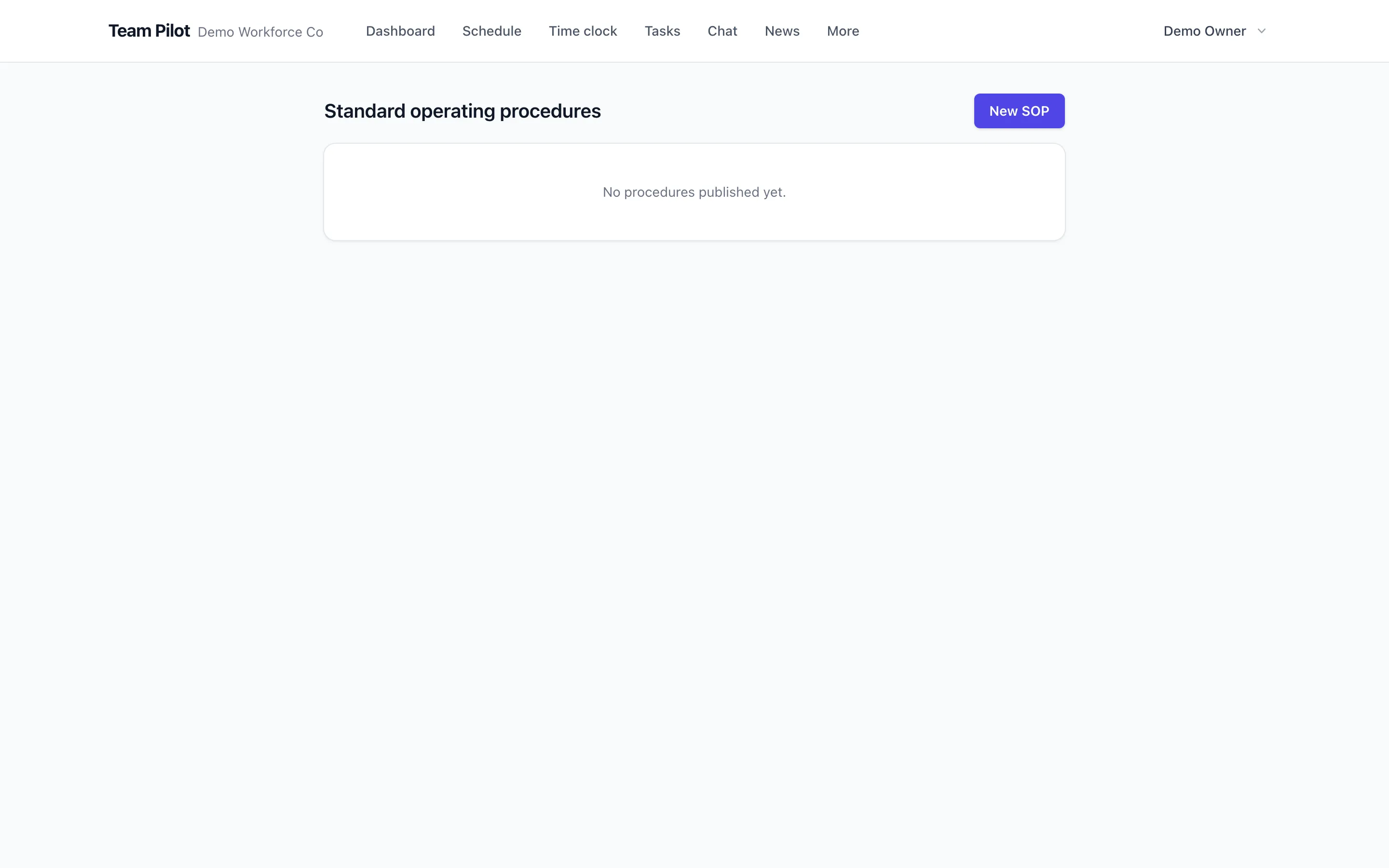
Attach step-by-step procedures to the tasks that need them so the standard way is the easy way. New starters follow the same steps as your best people.
Small team? It's free. Properly free.
Up to 10 people at one location, with rotas, time clock, timesheets, tasks and chat included. No time limit, no card, and no nagging to upgrade until you actually grow.
Works together with
Questions about tasks & checklists
- Can tasks repeat automatically?
- Yes. Set any task or checklist to repeat daily, weekly or on custom patterns, and assign it to a person, a role or whoever is on shift at a location.
- Can I require photo evidence?
- Yes. Any task, including a recurring checklist, can require a photo before it is marked done, which is the difference between a tick and proof.
- How are inspections scored?
- You assign points to questions and set a pass threshold. Scores are stored per inspection so you can compare sites and track improvement over time.
- Who can raise a request?
- Anyone you allow. Typically all staff can report faults with photos, while managers prioritise and assign the fix.
- Do staff need training to use it?
- Very little. Staff see a simple list of what is theirs today, tap into a task, follow the steps and mark it done. The complexity lives on the manager side.
- Can I build custom forms?
- Yes. The form builder supports text, numbers, choices, dates, signatures and photos, so audits, incident reports and handovers can all be captured digitally.
- Is task activity reportable?
- Yes. Task completion rates per person are in the weekly reports, and form submissions export for analysis.
- Is this in the free plan?
- Basic tasks and forms are included in the Free plan. Recurring automation, scored inspections and requests come with paid plans, as shown on the pricing page.
See it with your own team
Set up takes minutes: add your people, build a week and publish. Free for 14 days on every paid plan, free forever for small teams.
No credit card required.