A time clock your payroll can trust
Staff clock in from their phone, a geofence keeps punches at the workplace, and shared-device kiosk mode covers teams without phones. Every punch lands on a timesheet that is ready for payroll, not a correction queue.
No credit card required. Free plan for up to 10 people.
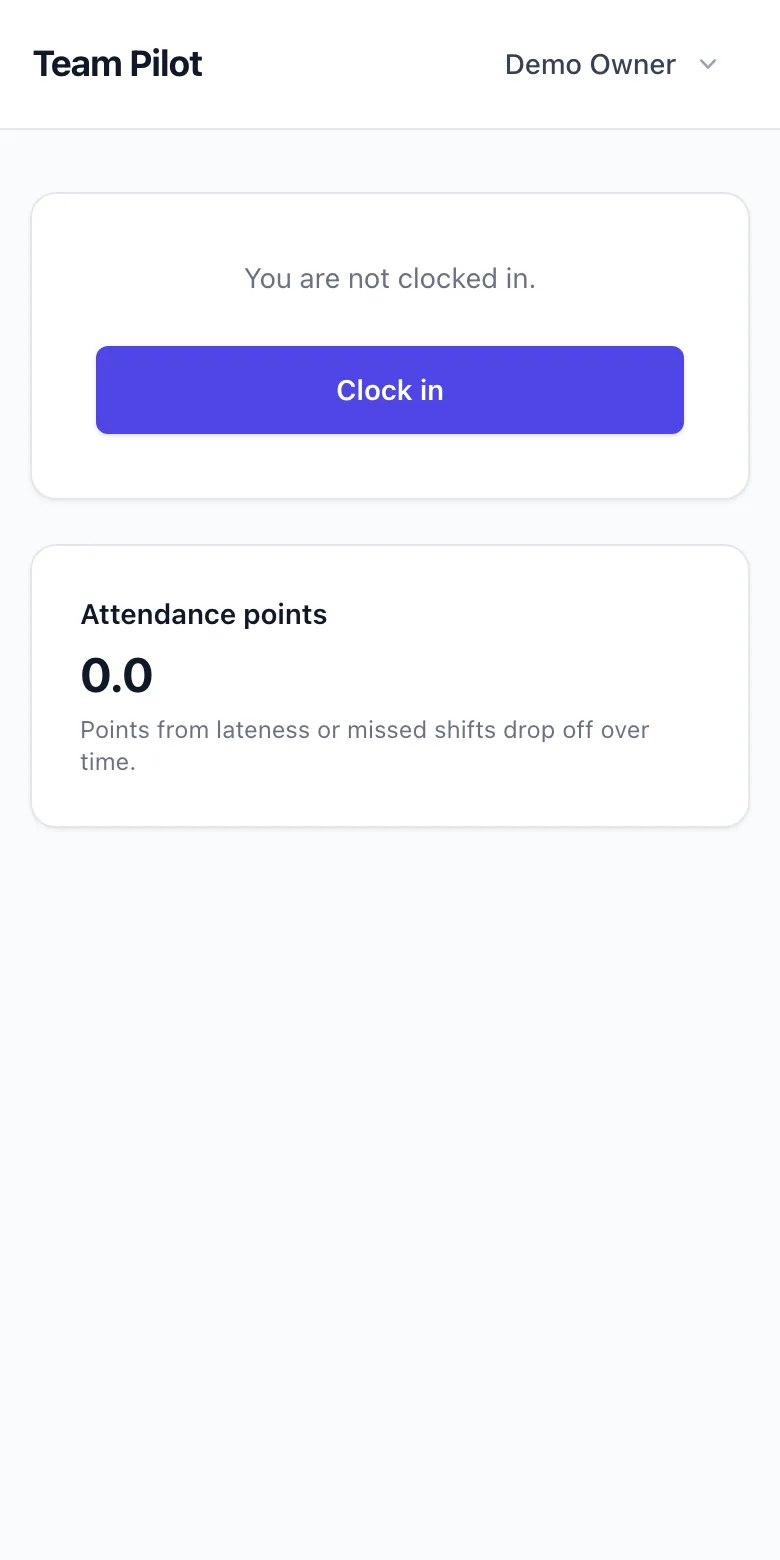
Clock in from the right place, provably
Enable GPS stamps on punches, or draw a geofence around each site so clocking in only works on location. No more guessing whether 07:58 happened in the building or on the bus.
Works in the signal dead spots
Basements, loading bays and rural sites lose signal, but the clock does not. Punches made offline are saved on the device with their true time and sync automatically the moment the phone is back online, so nobody loses a minute of pay.
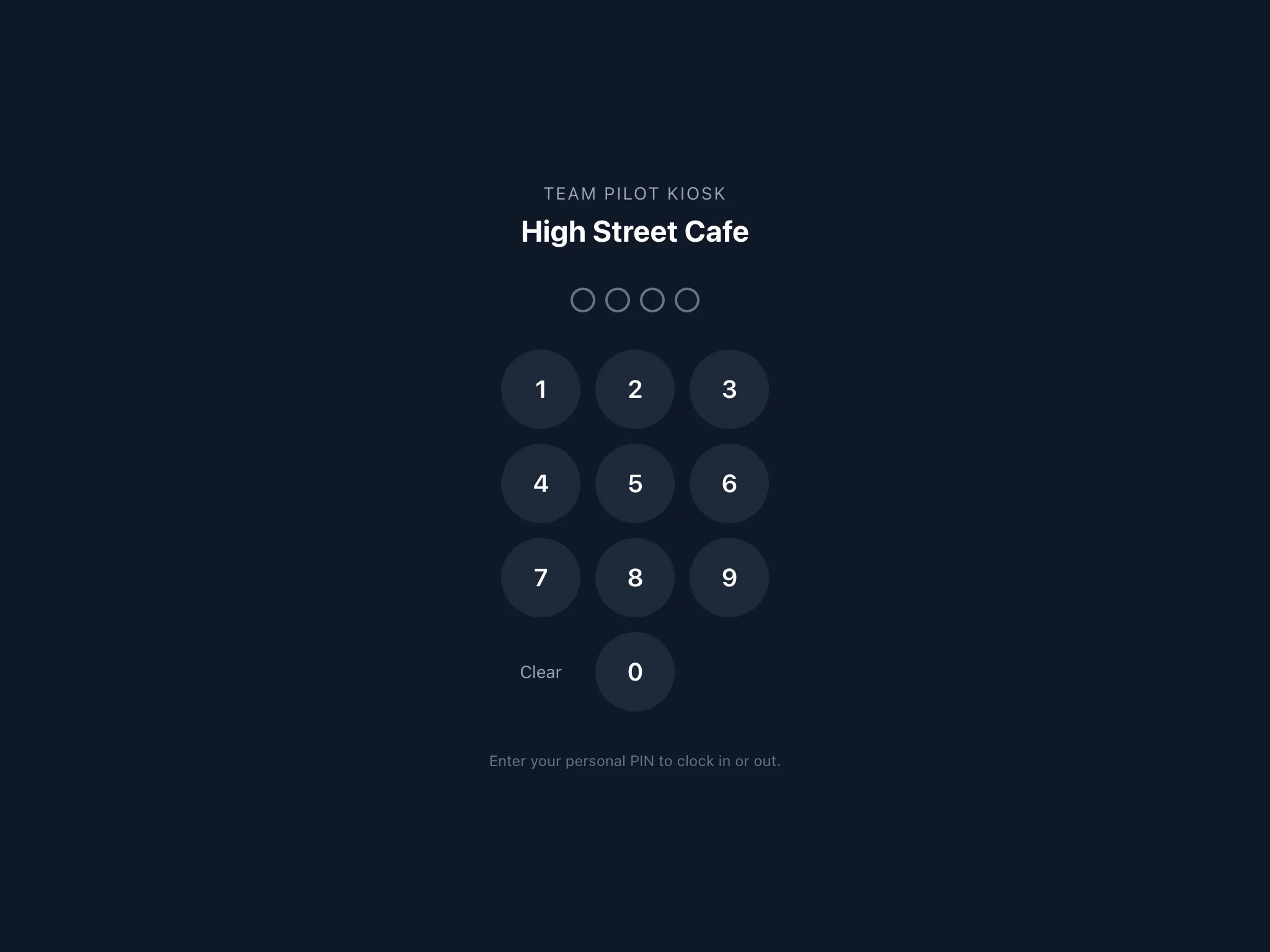
Kiosk mode for shared devices
Mount a tablet by the door and the whole team clocks in with personal PINs. Kiosks pair to your account with a one-time code and work for staff who have no phone or want nothing installed.
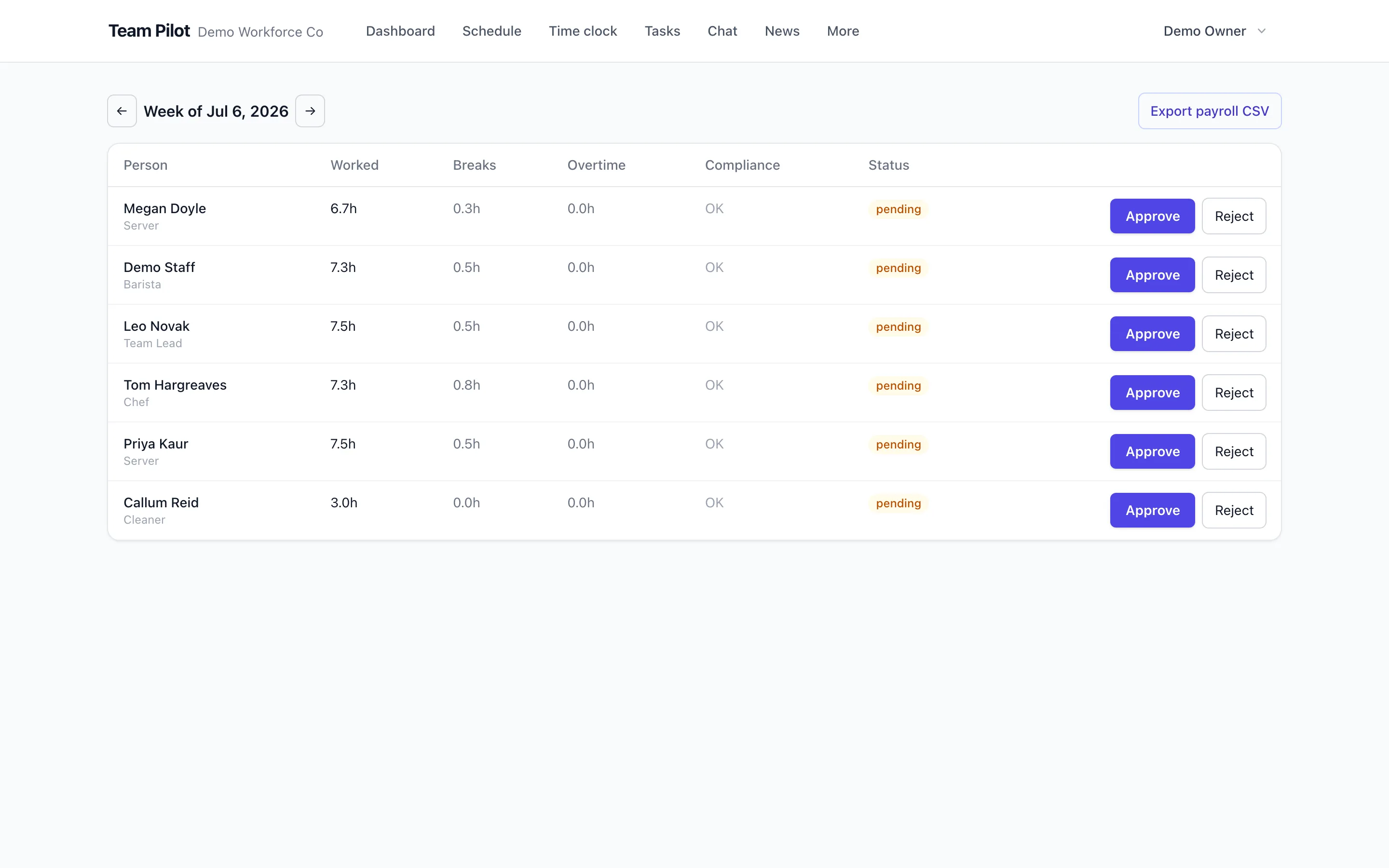
Timesheets that build themselves
Punches become timesheet entries automatically, matched to scheduled shifts so gaps and overruns are obvious. Managers approve by exception instead of checking every line.
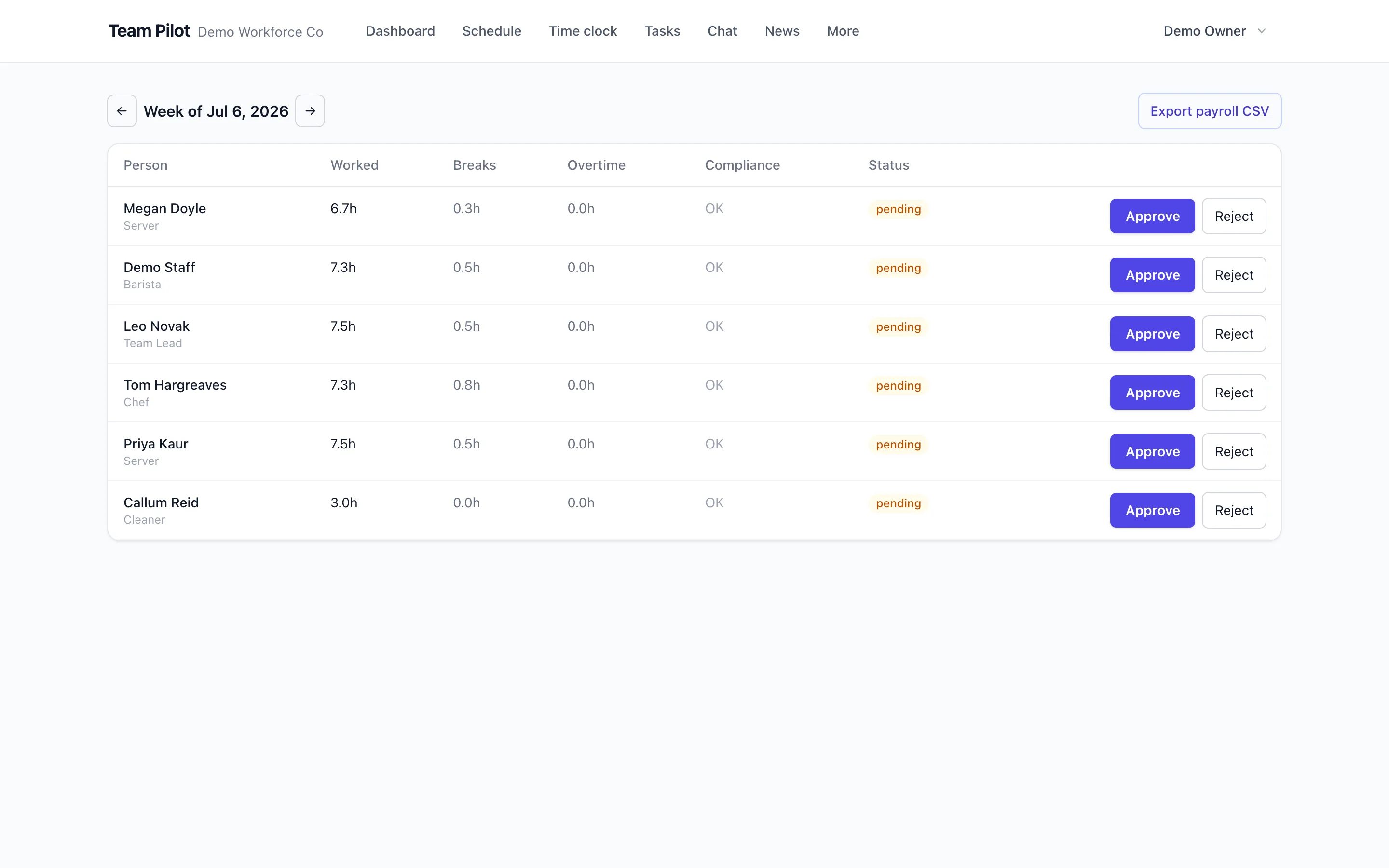
From approved hours to payroll in one export
Approved timesheets export in a payroll-ready format with hours, overtime and absence codes. What your payroll runs on is what actually happened, without a retyping step.
Catch attendance problems early
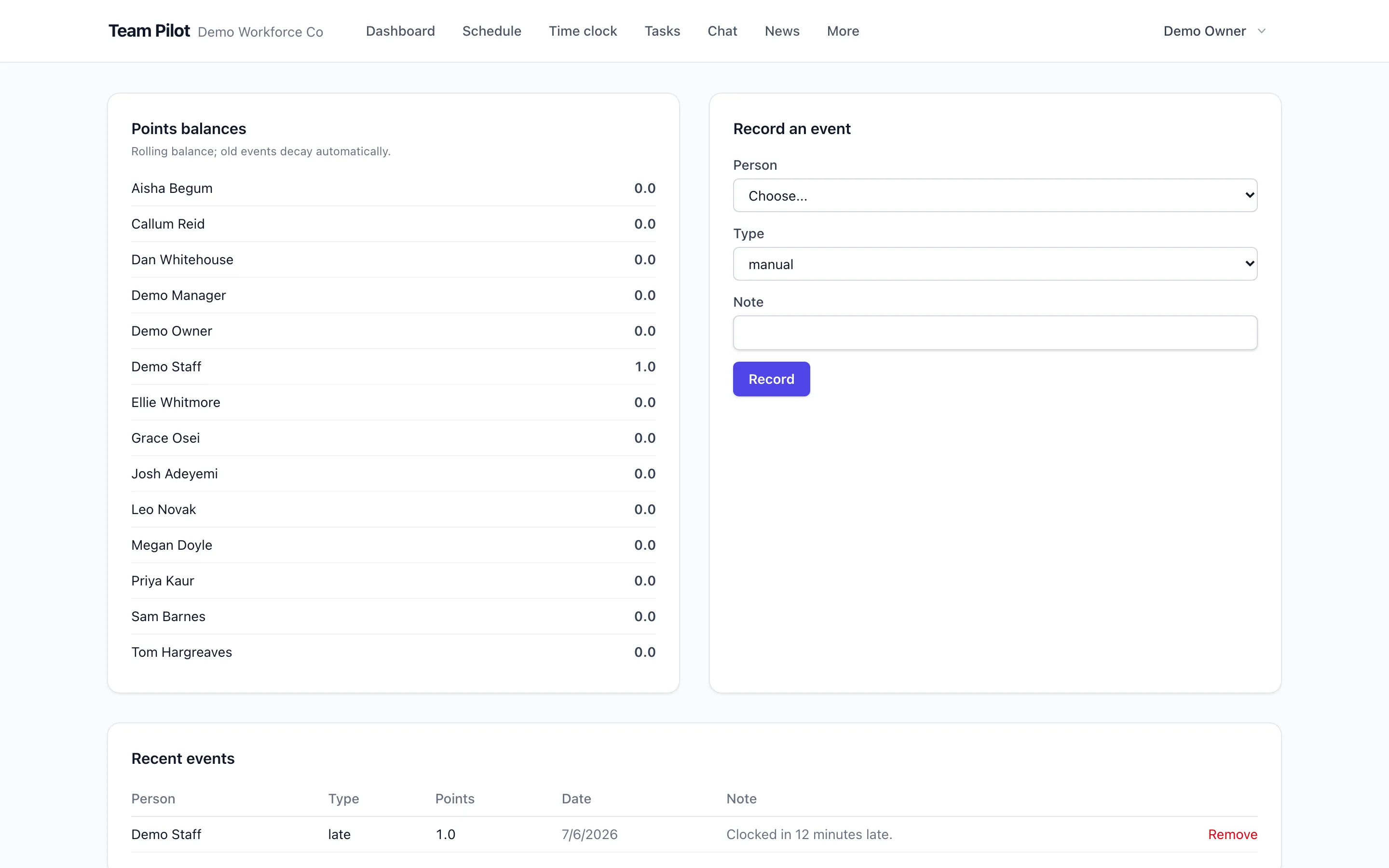
Lateness and no-shows are logged as plain occurrences against the policy you define, so patterns show up in weeks, not at appraisal time, and conversations happen with facts on the table.
Small team? It's free. Properly free.
Up to 10 people at one location, with rotas, time clock, timesheets, tasks and chat included. No time limit, no card, and no nagging to upgrade until you actually grow.
Works together with
Questions about time clock
- How does geofenced clock-in work?
- You draw a radius around each workplace. Staff can only clock in when their device is inside it, and each punch stores whether it was made in the zone. Staff see clearly that location is checked at punch time.
- What if some staff do not have smartphones?
- Use kiosk mode: any shared tablet becomes a clock-in point with per-person PINs. Phone and kiosk punches land on the same timesheet.
- What happens if there is no signal when someone clocks in?
- The punch is saved on the phone with the exact time it was made and syncs on its own once signal returns. The recorded time is the moment they tapped, not the moment it synced, so the timesheet stays honest.
- Does it track staff all day?
- No. Location is checked when someone clocks in or out, not continuously. That distinction matters for UK GDPR proportionality, and it is how the product is built.
- Can employees edit their own timesheets?
- Staff can request corrections with a reason; managers approve or reject them. The original punch record is kept, so there is always an audit trail.
- How do timesheets get to payroll?
- Approved hours export as a payroll-ready file including overtime and absence. Export templates cover common UK payroll imports.
- Does overtime calculate automatically?
- Yes. Daily and weekly overtime rules are applied to approved time, and the rota flags shifts that would trigger overtime before you publish them.
- What stops buddy punching?
- Geofencing ties the punch to the place, kiosk PINs tie it to the person, and punch records are timestamped and auditable. Together they remove the easy routes.
- Is there a free plan?
- Yes. Clock-in and timesheets are included in the Free plan for up to 10 users, so a small team can run time and attendance end to end without paying.
See it with your own team
Set up takes minutes: add your people, build a week and publish. Free for 14 days on every paid plan, free forever for small teams.
No credit card required.